
No Code Font Manager. GDPR way to add Self host Fonts for any WordPress Builder or Theme
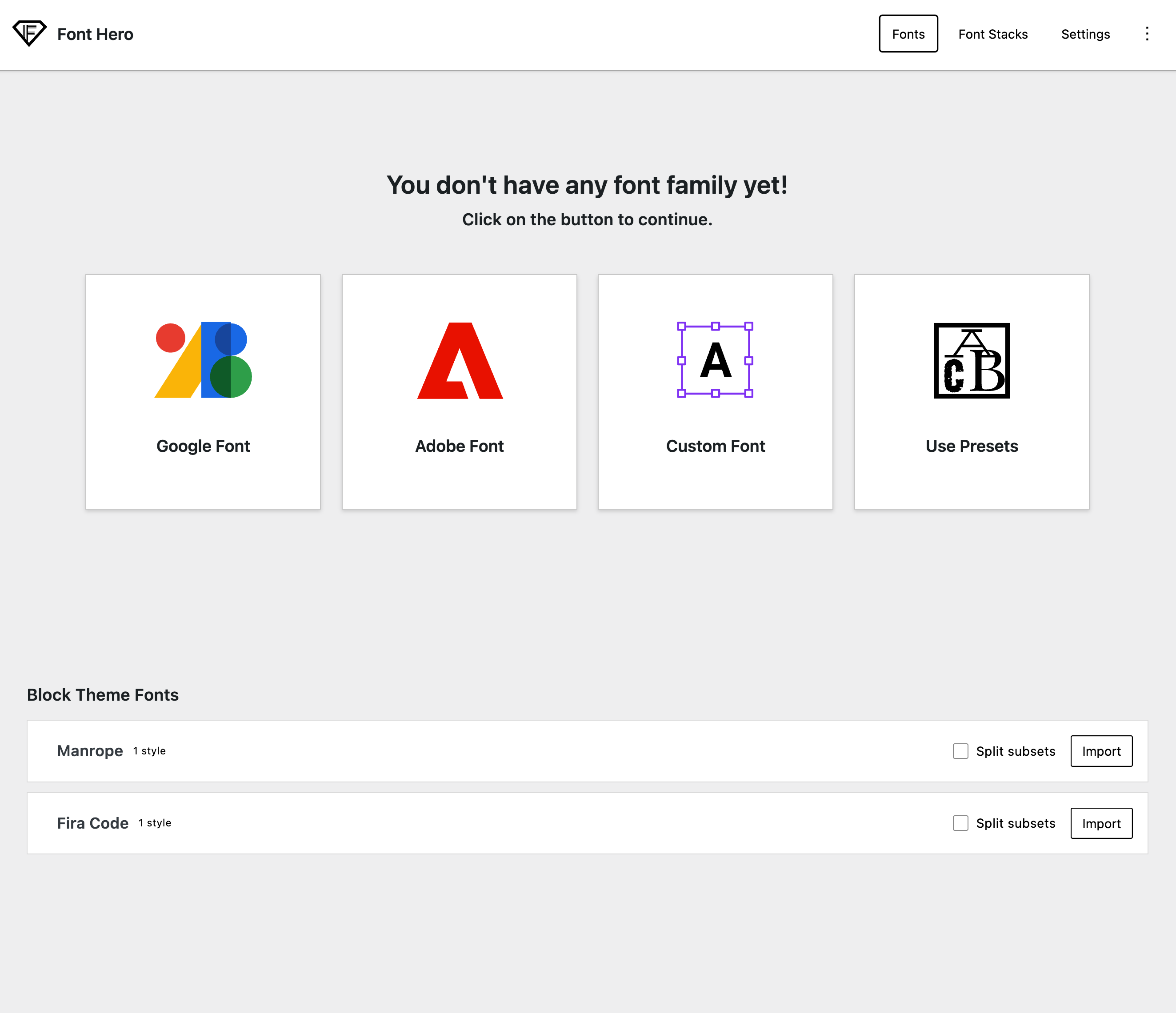
Why Font Hero?
Most visual builders today — Elementor, Bricks, Kadence, GeneratePress — already let you add custom fonts to your website. So why would you need Font Hero?
Here’s the thing: adding fonts is only half the story. How those fonts load makes a huge difference in your site’s speed and user experience.
The Problem with Default Font Loading
When you add a font through your builder, it usually loads the entire font file — every character, every language subset, everything. A single font file can be 100–300 KB. Multiply that by a few weights (Regular, Bold, Italic), and you’re looking at over 1 MB of fonts slowing down your pages.
Your visitors don’t need all those characters. If your site is in English, you only need the Latin subset — which can be 5–10x smaller than the full file.
What Font Hero Does Differently
Subset Conversion
Font Hero can convert your fonts to smaller subsets. Instead of loading the full font with every character set (Latin, Cyrillic, Greek, Vietnamese, etc.), you load only the characters your site actually uses. This alone can reduce font file sizes by 50–80%.
Smart Font Loading
Font Hero gives you control over how fonts load in the browser:
- Font Display — Choose how the browser handles the moment between page load and font ready. Show a fallback font immediately (
swap) or wait for the custom font (block). - Preloading — Tell the browser to start downloading your most important fonts before it even starts reading the CSS. This makes your headlines and body text appear faster.
- Inline CSS — Instead of loading a separate stylesheet, embed your font declarations directly into the page. This saves an extra network request and works better with subdomain setups.
One-Click Font Import
Already have fonts added through your block theme, Bricks Builder, or Oxygen? Font Hero can import them from the Fonts tab and bring them under one system, so you can optimize and manage them in one place.
Font Stacks
This is something no other plugin offers. With Font Stacks, you can create named fallback chains that tell the browser exactly which fonts to try, in which order, if your primary font isn’t available yet. Instead of hoping the browser picks a decent fallback, you control the entire sequence.
Font Stacks appear directly in the Gutenberg font picker, so you can apply them to any block — headings, paragraphs, buttons — without writing CSS.
Who Is Font Hero For?
- Site owners who want faster-loading pages without giving up beautiful typography
- Designers who want precise control over font rendering across devices
- Agencies building client sites where performance and branding both matter
- Anyone using a page builder who wants their fonts optimized without the hassle
Quick Overview
| Feature | What It Does |
|---|---|
| Custom Fonts | Upload your own .woff2, .woff, or .ttf files |
| Google Fonts | Import from 1,500+ fonts with subset selection |
| Adobe Fonts | Connect your Typekit web project |
| Font Pairing | One-click curated font combinations |
| Font Takeover | Import fonts from your theme or builder (inside the Fonts tab) |
| Font Stacks | Create named fallback chains for Gutenberg |
| Integrations | Works with 10+ builders and themes |
| Settings | Fine-tune loading behavior, preloading, and more |