
Not sure which fonts work together? Font Pairing gives you curated combinations you can import in one click, then use as a solid starting point for your site’s typography system.
What Is Font Pairing?
Font pairing is the art of combining two or three fonts that look great together. A good pairing typically includes:
- Headline font — A bold, expressive font that grabs attention
- Subheadline font — A complementary font for secondary headings
- Body font — A clean, readable font for paragraphs and general text
Getting this combination right can be tricky. Fonts need to complement each other without clashing. That’s why Font Hero includes ready-made pairings designed by typographers.
How to Use Font Pairing
- Go to Font Hero > Fonts
- Click Add Font
- Choose Use Presets
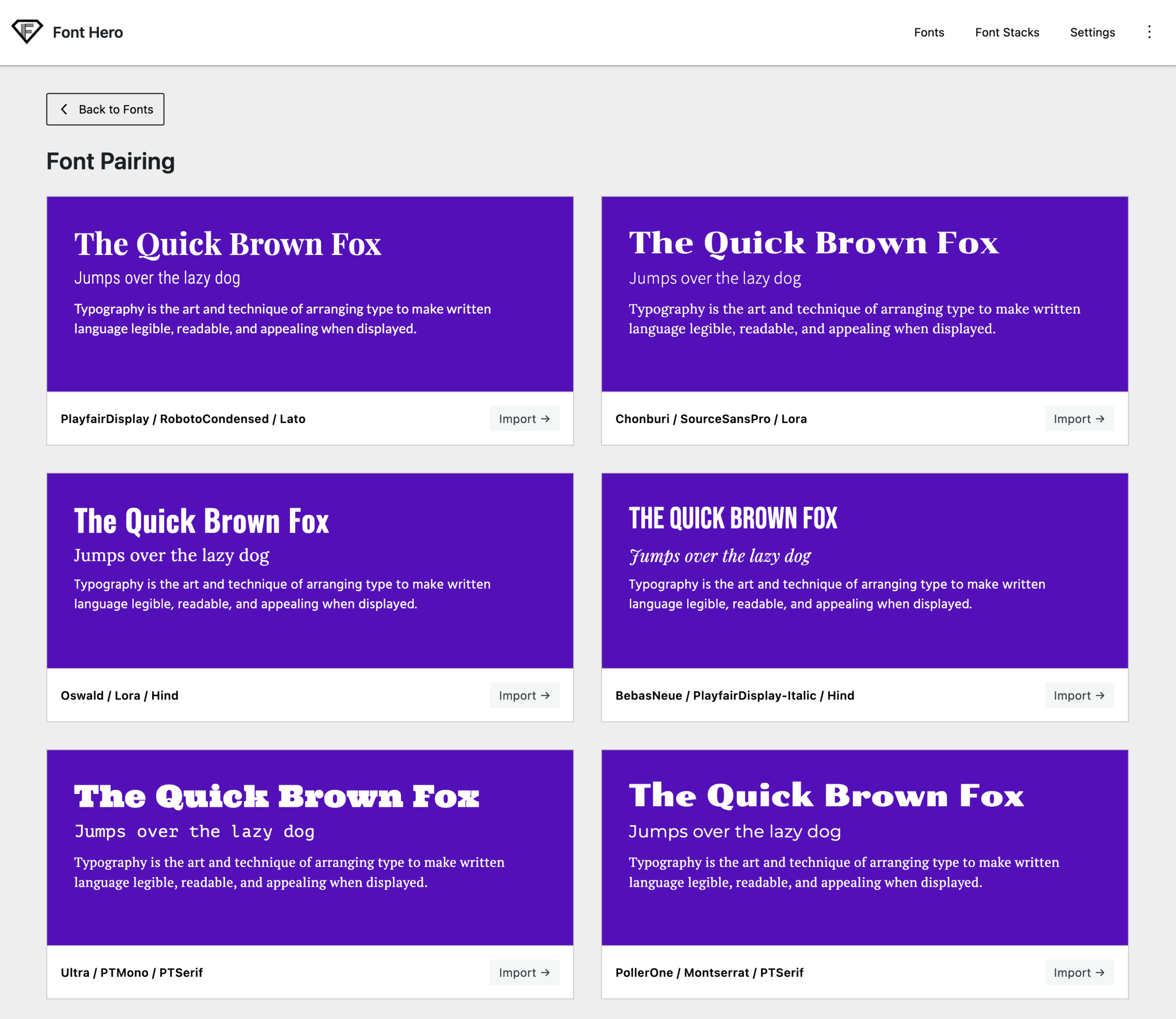
- Browse the pairing cards (each one shows a live visual preview)
- Click the pairing card you want to import
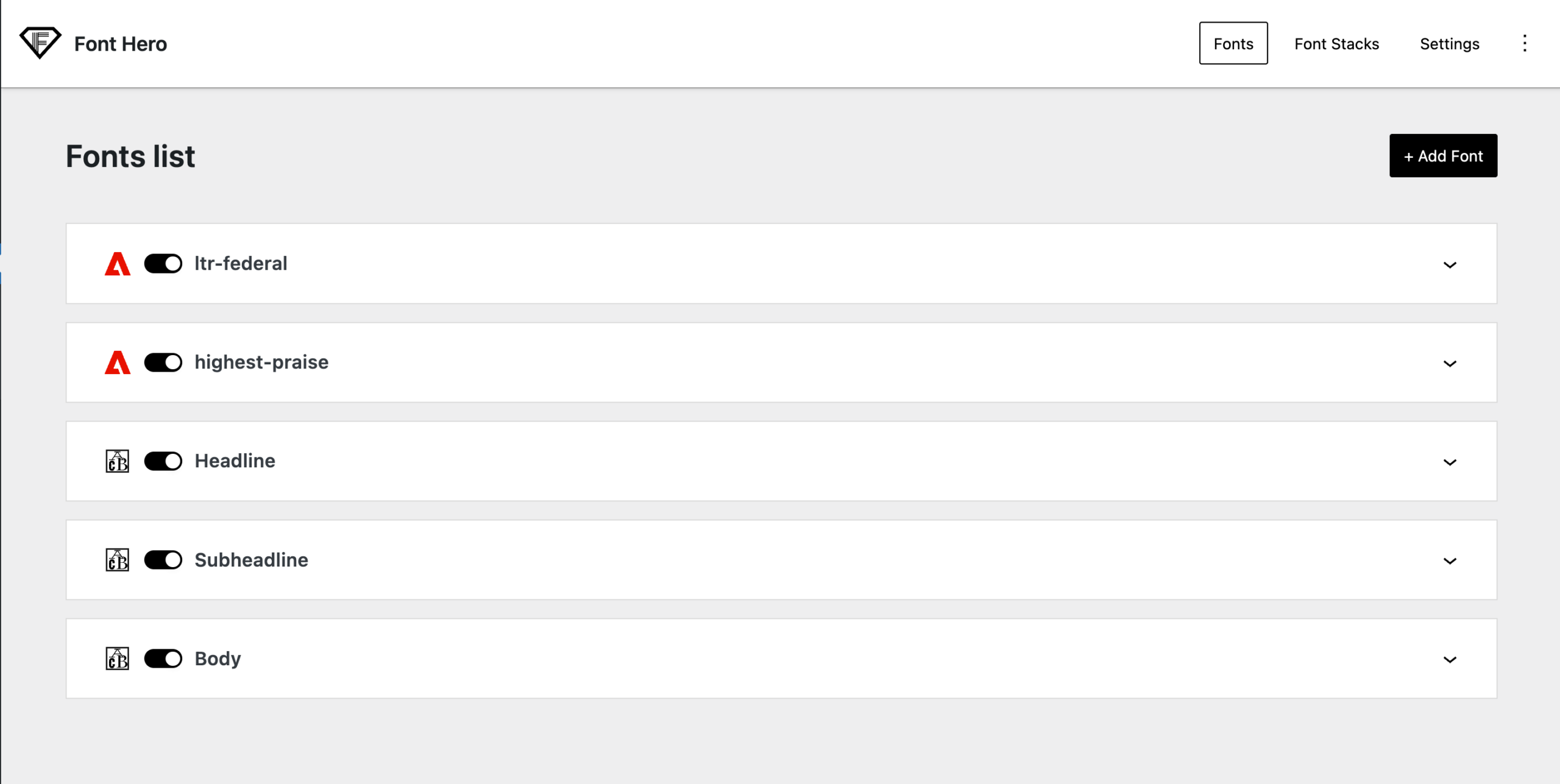
Font Hero will install three fonts:
- Headline — for your main headings
- Subheadline — for secondary headings
- Body — for paragraph text (includes Regular and Semi-Bold weights)
These fonts are ready to use immediately in your builder or theme.
Available Pairings
Font Hero currently includes 16 curated pairings covering different design styles:
- Classic & Elegant — Pairings like Playfair Display + Lato, or Old Standard + clean body fonts
- Modern & Clean — Pairings like Poppins + Montserrat, or Oswald + contemporary body fonts
- Bold & Expressive — Pairings like Bebas + strong body fonts for impactful designs
- Creative & Playful — Pairings like Great Vibes + readable body fonts for artistic projects
Each pairing has been tested to work well at common sizes for web use.
Good to Know
- Importing a pairing will replace any existing fonts named “Headline”, “Subheadline”, or “Body” in your library. Your other fonts are not affected.
- All pairing fonts are bundled with Font Hero — no external downloads needed.
- After importing, you can still manage them inside the Fonts tab (enable/disable, adjust loading options, delete, or replace faces).
- Font pairing is a starting point. You can always add more weights, swap individual fonts, or adjust settings after importing.
Tips for Using Font Pairings
Test on mobile. Some decorative headline fonts look great on desktop but can be hard to read on small screens. Check how your chosen pairing looks on phones.
Start with a pairing, then customize. Import a pairing that’s close to what you want, then tweak from there.
Use the Headline font sparingly. It’s meant for large headings, not body text.
The Body font should be highly readable. That’s why pairings include clean, simple body fonts.