Category: Basic
Introduction
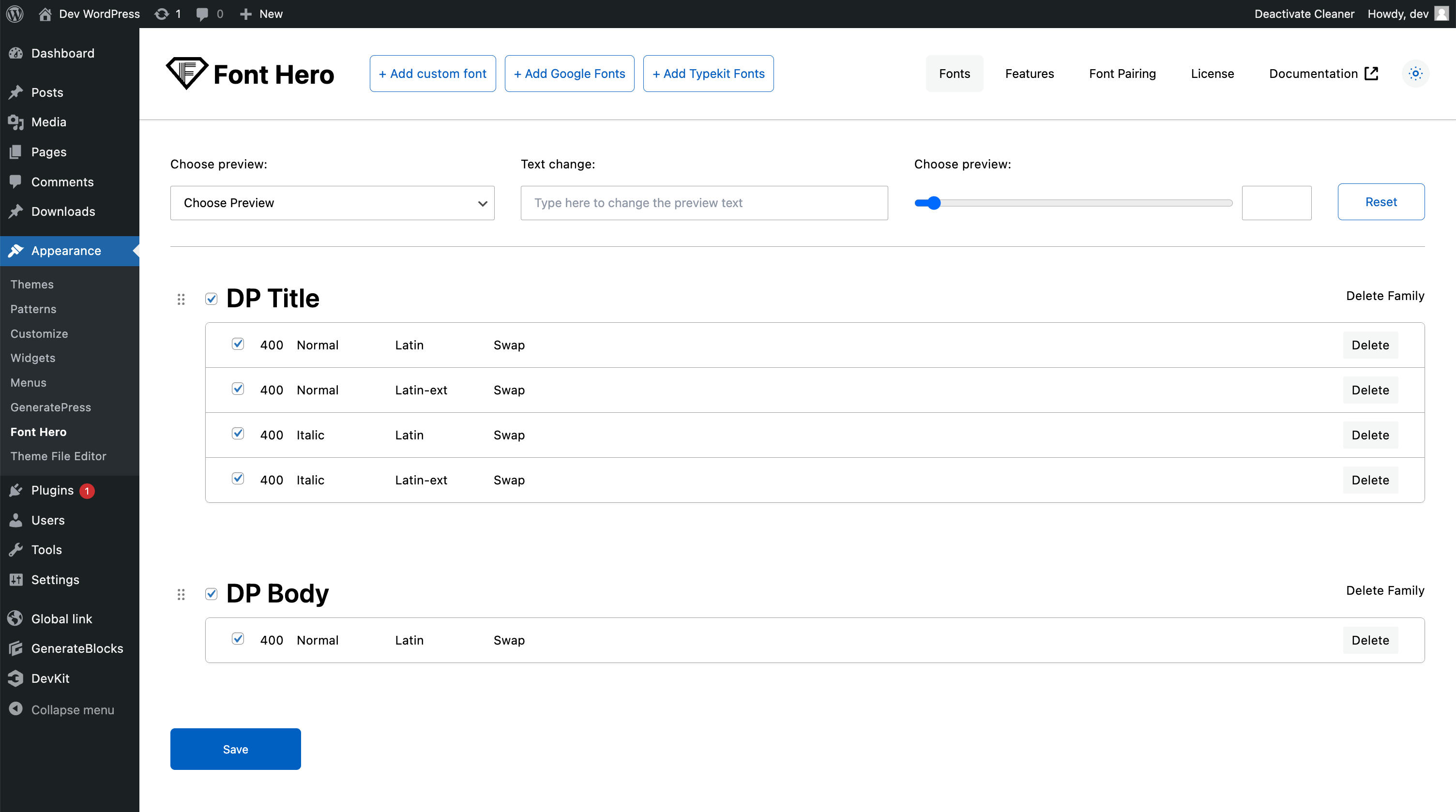
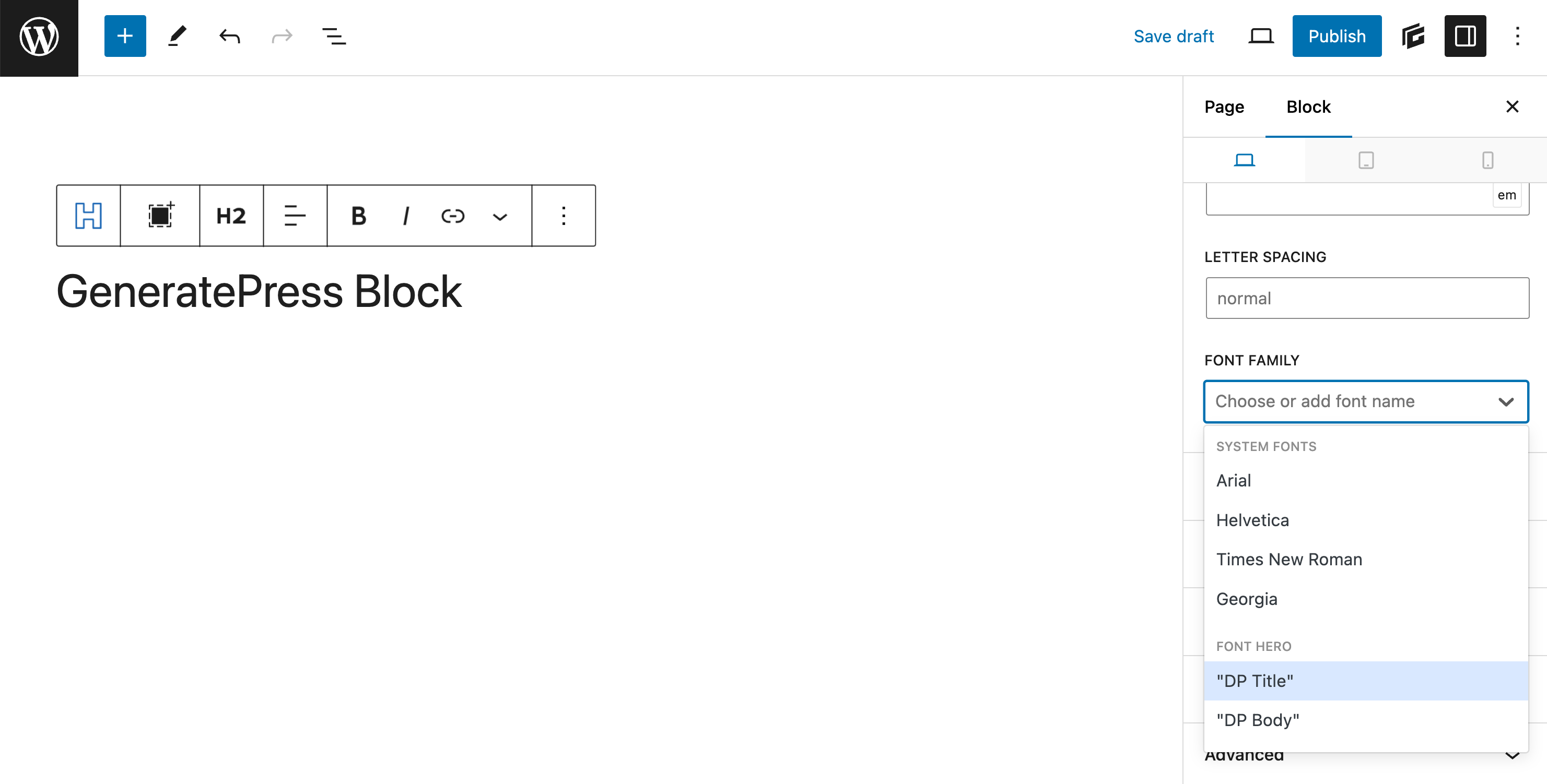
No Code Font Manager. GDPR way to add Self host Fonts for any WordPress Builder or Theme Why Font Hero? Most visual builders today — Elementor, Bricks, Kadence, GeneratePress — already let you add custom fonts to your website. So why would you need Font Hero? Here’s the thing: adding fonts is only half the […]
Read MoreFont Hero vs Block Theme Fonts
In this video, we dive deep into the world of web fonts, comparing Google Fonts installation with the free Block themes font option introduced in WordPress 6.5. We’ll explore differences in performance, font formats, and font loading techniques. Join us to find out whether the new offering from WordPress can outperform Font Hero, helping you […]
Read MoreEnable System Fonts
In addition to uploading custom fonts, we also offer the option to register system fonts on our platform. By default, this feature is disabled, but you can easily enable it by going to the “Features” section and checking the “System Fonts” box, then saving your changes. Once enabled, the font faces and families of system […]
Read MoreRegister Font Family
In Font Hero, “registering a font family” simply means adding a font to your Font Hero library so it can be used in supported builders and themes. In the current UI, this happens through: Choose How You Want to Add the Font Google Fonts Best when you want fast access to a large font library […]
Read MoreRegister Google Font
Font Hero lets you import fonts from Google’s library of 1,500+ free fonts. Unlike linking to Google’s servers, Font Hero downloads the font files and hosts them locally on your site. This is better for privacy (GDPR compliance) and performance. How to Import a Google Font Font Hero will download the font files from Google, […]
Read MoreRegister Custom Font
Custom Fonts Upload your own font files directly to your WordPress site. Font Hero stores them locally so your site doesn’t depend on any external service. Supported File Formats Format Extension Description WOFF2 .woff2 The modern standard. Smallest file size, supported by all current browsers. This is the recommended format. WOFF .woff Slightly larger than WOFF2 […]
Read MoreRegister TypeKit (Adobe) Fonts
Note: Video is done before updated Font Hero UI. Never the less it’s a decent guild in the Adobe fonts admin panel. If you have an Adobe Creative Cloud subscription, you can connect your Adobe Fonts web project to Font Hero. This lets you use premium Adobe fonts on your WordPress site and manage them […]
Read MoreFont Pairing Collection
Not sure which fonts work together? Font Pairing gives you curated combinations you can import in one click, then use as a solid starting point for your site’s typography system. What Is Font Pairing? Font pairing is the art of combining two or three fonts that look great together. A good pairing typically includes: Getting […]
Read MoreFont Takeover
Already have fonts set up in a block theme, Bricks, or Oxygen? Font Hero can pull them into your Font Hero library so you can manage everything in one place. Important: In the current UI, “Font Takeover” is a workflow inside the Fonts tab (plus a separate Migration tab for Swiss Knife Pro), not a standalone top-level tab. Why Take […]
Read More