
Works with Oxygen 6.0 and 6.1 and later (tested up to 6.2 beta), in both Winden Classes and Plain Classes mode. Oxygen 6.1 rebuilt its editor, so if the Winden Classes field doesn't show in the Oxygen editor, update Winden.
Breakdance: Oxygen 6 is built on the Breakdance editor, and Winden handles both the same way. The setup on this page applies to Breakdance too.
Autocomplete
This feature is disabled. By default. You will need to enable it per builder.
Top bar > Settings > Enable Autocomplete > Builder
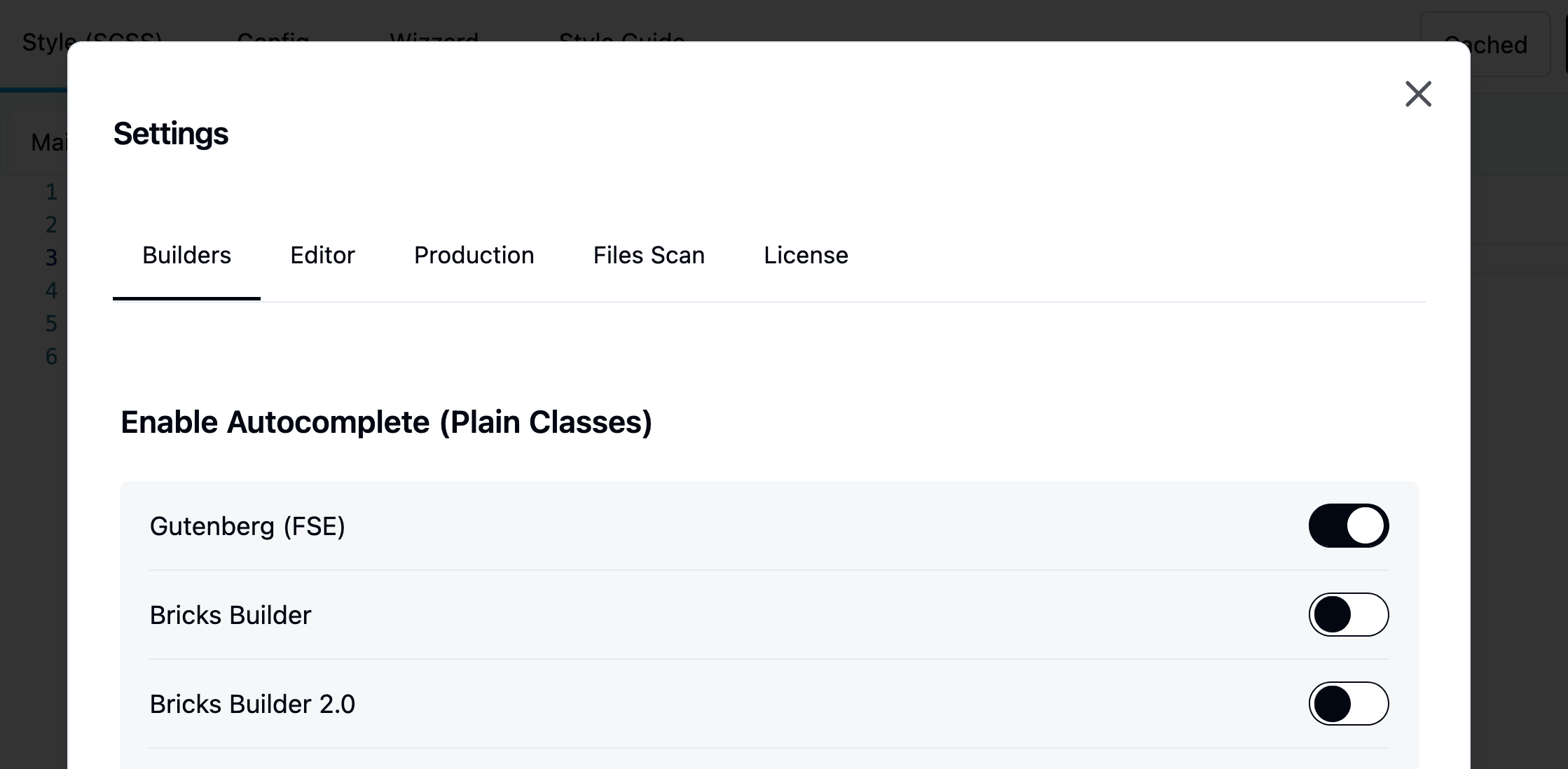
Learn more about autocomplete
Autocomplete Location
The Plain Classes field is located at the top of the left or right sidebar. Oxygen have option to set up sidebar location position. It becomes visible once you select an element inside the Oxygen iframe or from the list tree.
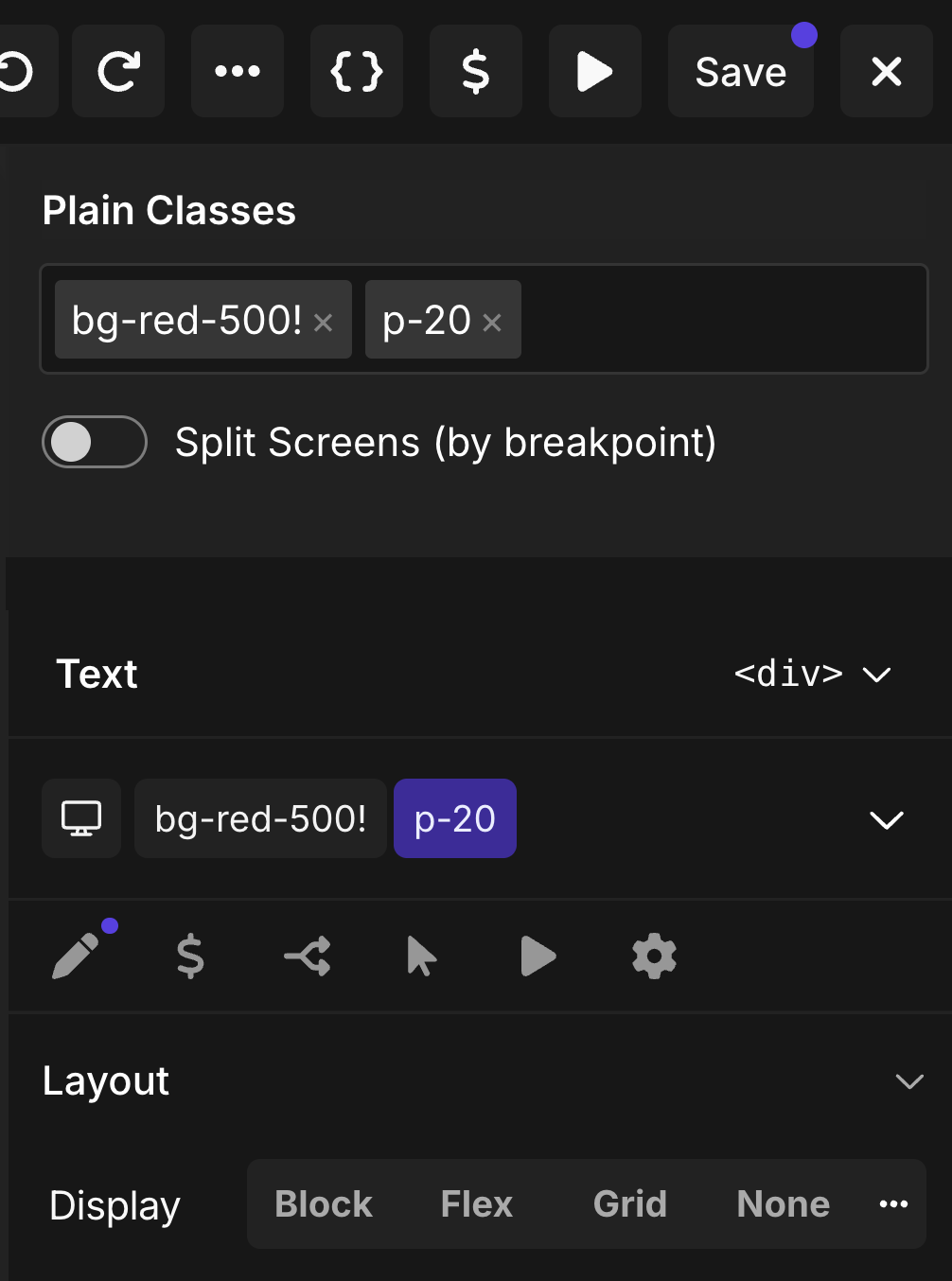
Jump straight to an element's classes
Hold ⌥ Option (Alt on Windows) and click an element in the Oxygen iframe. The element is selected and the caret lands at the end of its Winden Classes field, ready to type. A plain click works as before and keeps the caret in the canvas.
Compile on post save
With the Builders integration, we also implemented automatic compile-on-post-save. You no longer need to open Winden manually to recompile your CSS. Whenever a post is saved, a signal is sent to Winden, which scans all classes used in the post and regenerates output.css automatically. This happens even with "Disable Dev Mode" turned on — that setting only controls whether logged-in visitors get the live compiler on the frontend. The builder editor itself always keeps the compiler and autocomplete available. If a change happens outside this editor — content saved elsewhere, a menu or widget update, a scheduled post going live — Winden compiles it the next time you open a builder editor or the Winden admin, or the next time an admin views the page on the frontend.