
Plain Classes
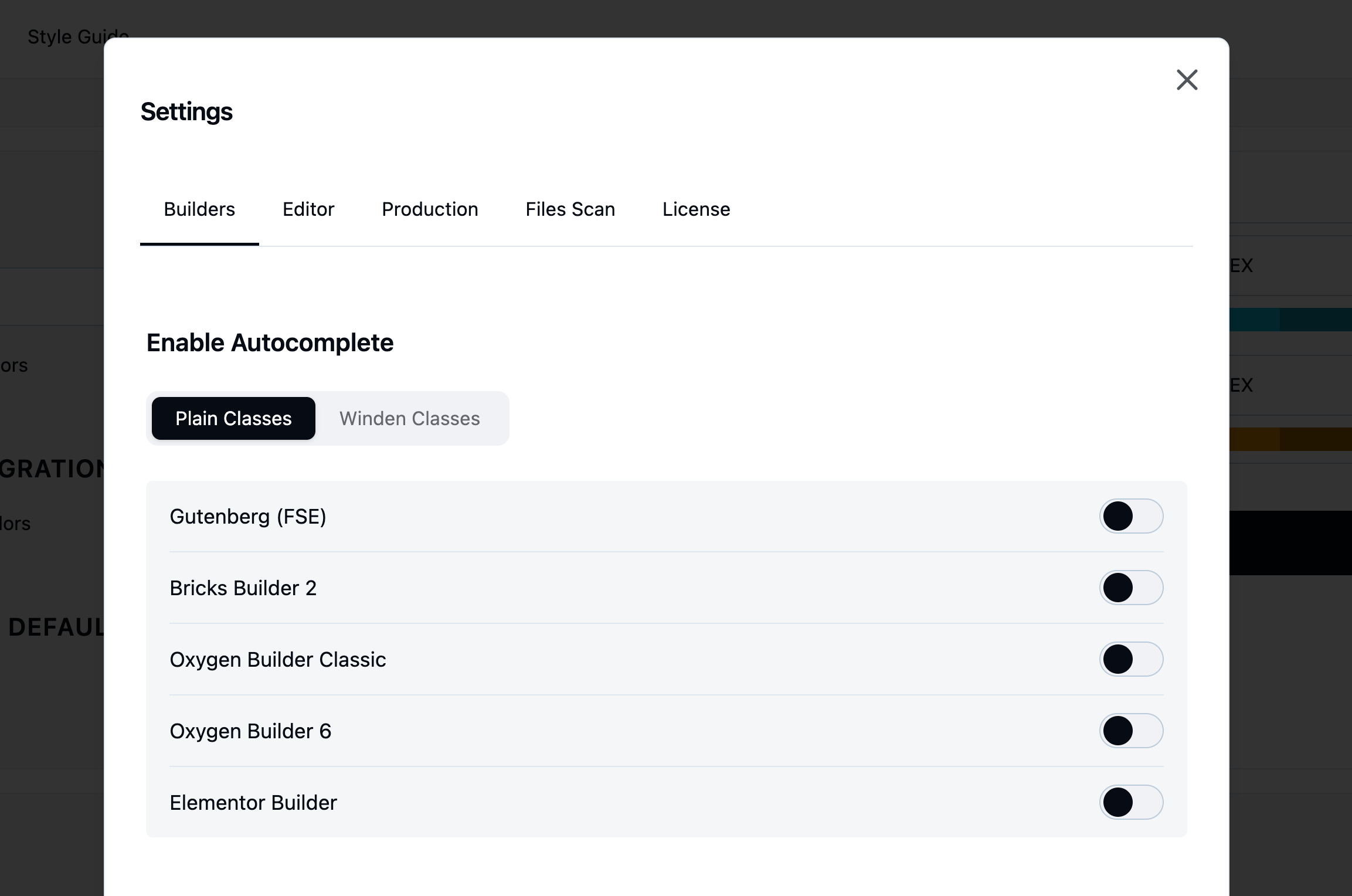
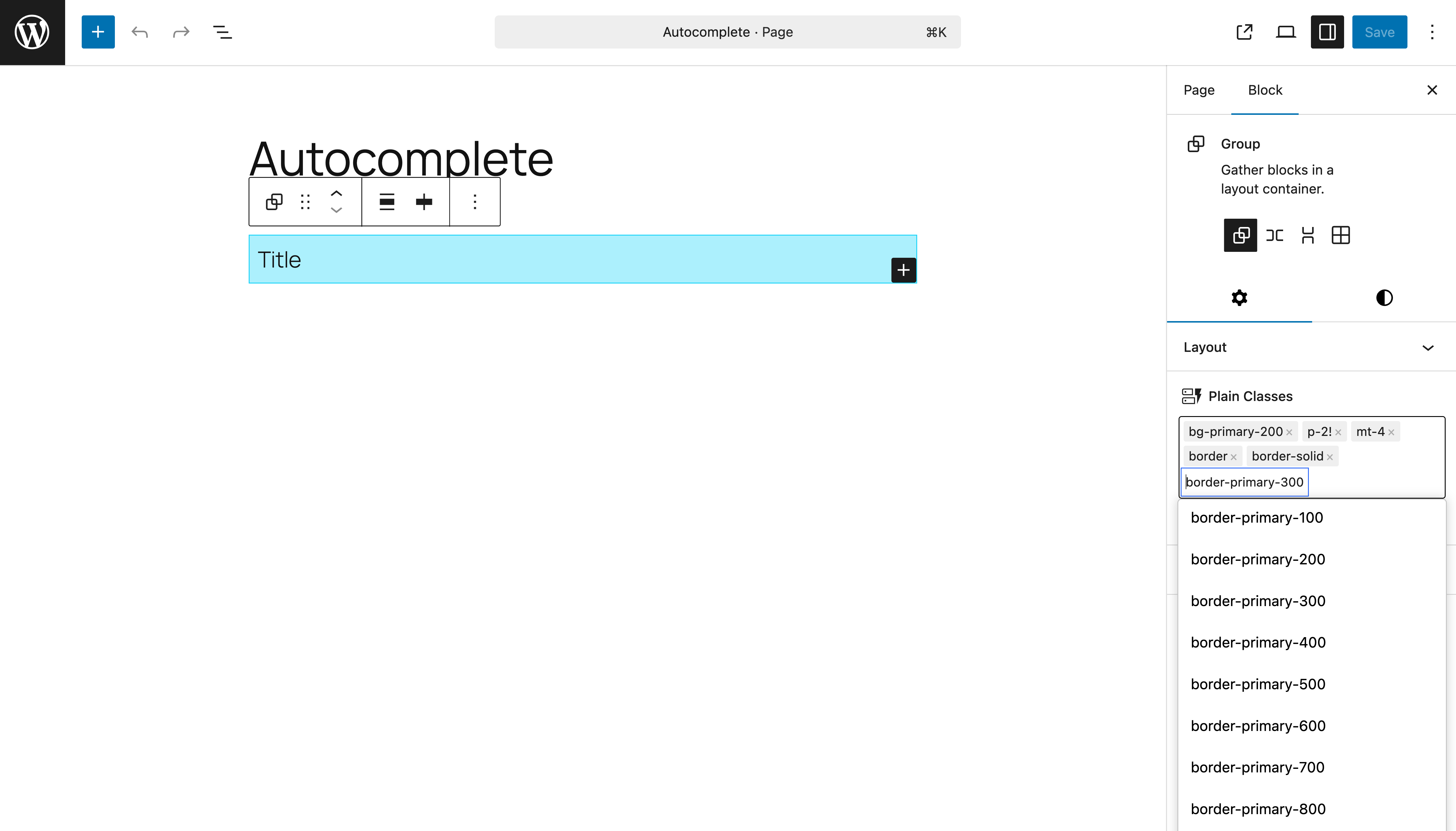
This is the current stable integration approach. We use tags because most visual builders rely on tag-based class handling, which allows us to easily integrate different builders by mapping class names or injecting utility classes into each builder’s global class system.
This approach does come with some limitations. For example, editing utility classes directly as plain text is often faster and more flexible. However, there are also clear advantages: using tags makes it easier to drag and drop classes visually, and the overall integration process is significantly simpler and more consistent across builders.
Builders integrations:
Winden Classes
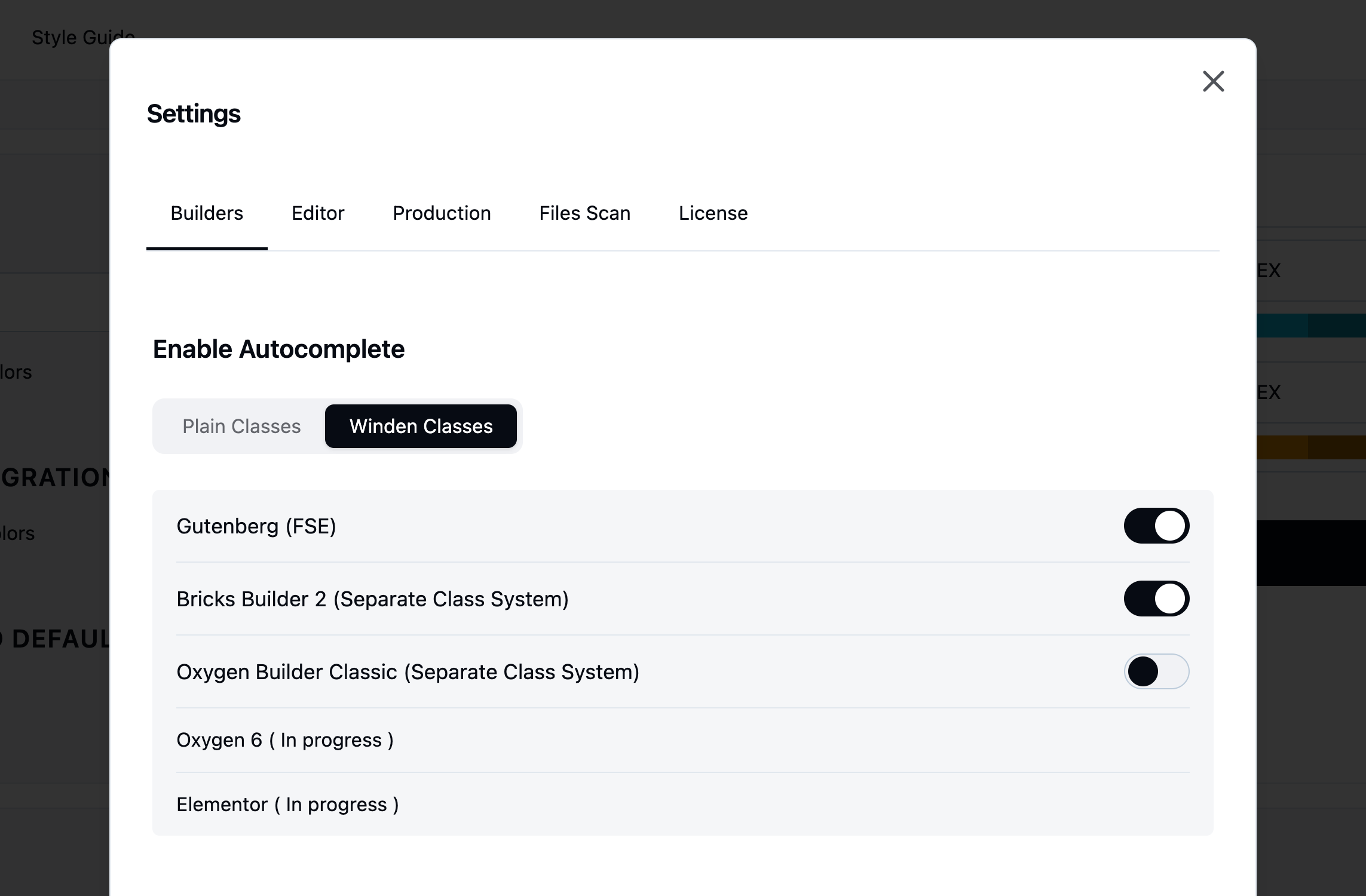
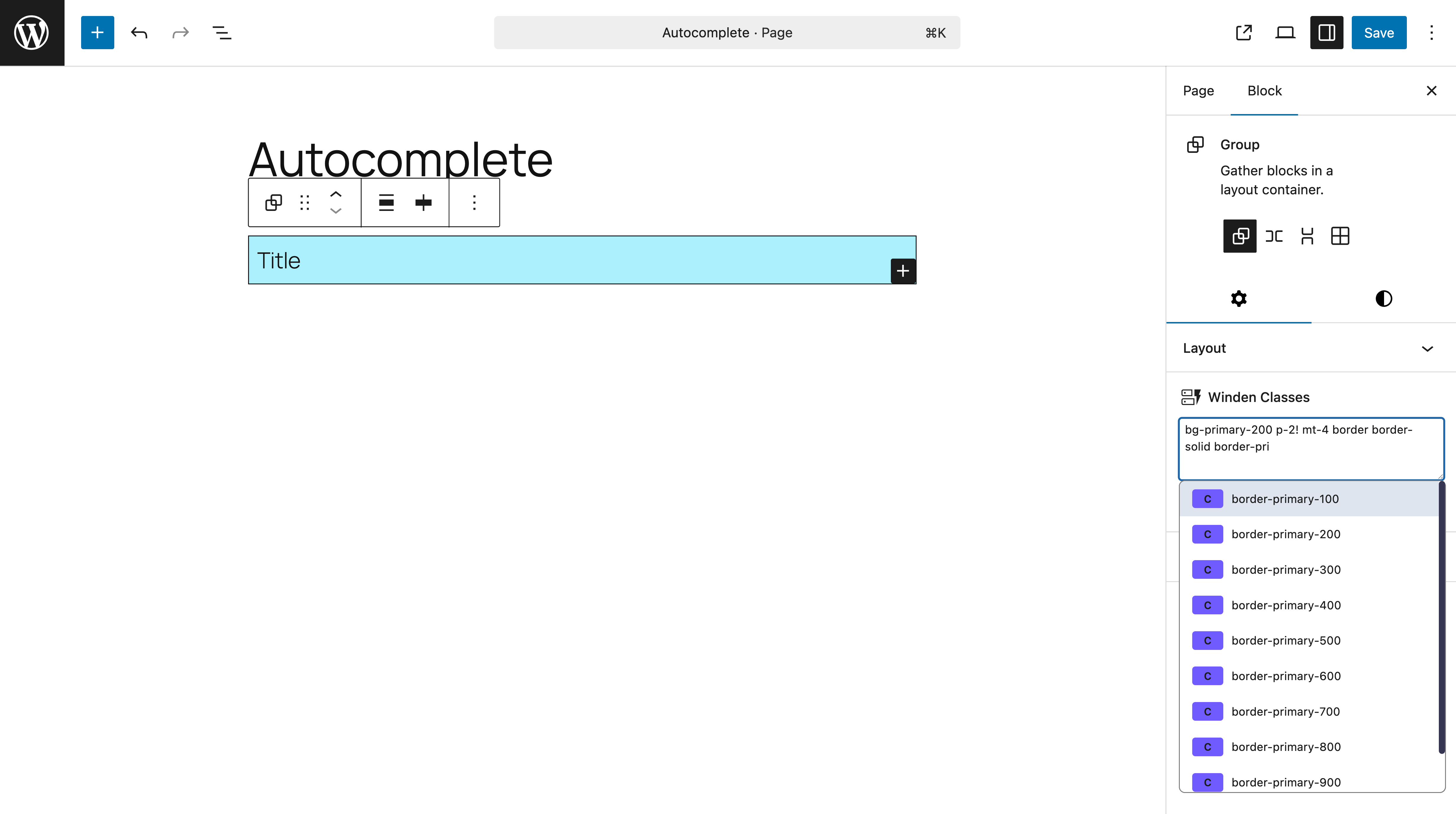
Winden Classes work in the opposite way compared to tag-based systems. Instead of relying on visual tags, the focus is on a text-based editing experience, with the ability to split the class input per breakpoint. This makes it much easier to organize, manage, and maintain class names across responsive states.
This approach does require some additional integration effort for visual builders, but it provides significantly better control and flexibility when working with utility classes.
If you switch from autocomplete-based plain class inputs to Winden Classes, no existing classes will be lost. Your current classes remain available through each builder’s native global or advanced class fields. Winden simply changes how and where the classes are managed and injected.
For integrations that use a separate Winden class system, the classes are injected through a dedicated integration layer instead of the builder’s default class field. This ensures compatibility while preserving full control over class output.
For Gutenberg, we map both the Advanced CSS field and the Advanced Class Name field directly to native Gutenberg block attributes. This allows Winden Classes to work seamlessly with the core block system while keeping everything compatible with native WordPress behavior.
For Bricks and Oxygen, we currently use a separate class handling approach, which is explained below.
Separate Class System (Bricks & Oxygen)
Bricks
For Bricks, we use the Advanced Class Name input field instead of the global class system. This gives us more direct control over how classes are applied to individual elements and avoids conflicts with Bricks’ global class management.
Oxygen
For Oxygen, we implemented a fully separate class system specifically for Oxygen Classic. We created a dedicated database table to store class names and map them to individual element IDs. On the frontend, we use PHP to resolve these mappings and inject the correct class names into each element.
This approach removes the limitations imposed by Oxygen Classic’s Angular-based editor, which does not allow direct class injection in the standard way. By handling the mapping server-side, we ensure full flexibility and reliable class output without editor-side constraints.