
Autocomplete
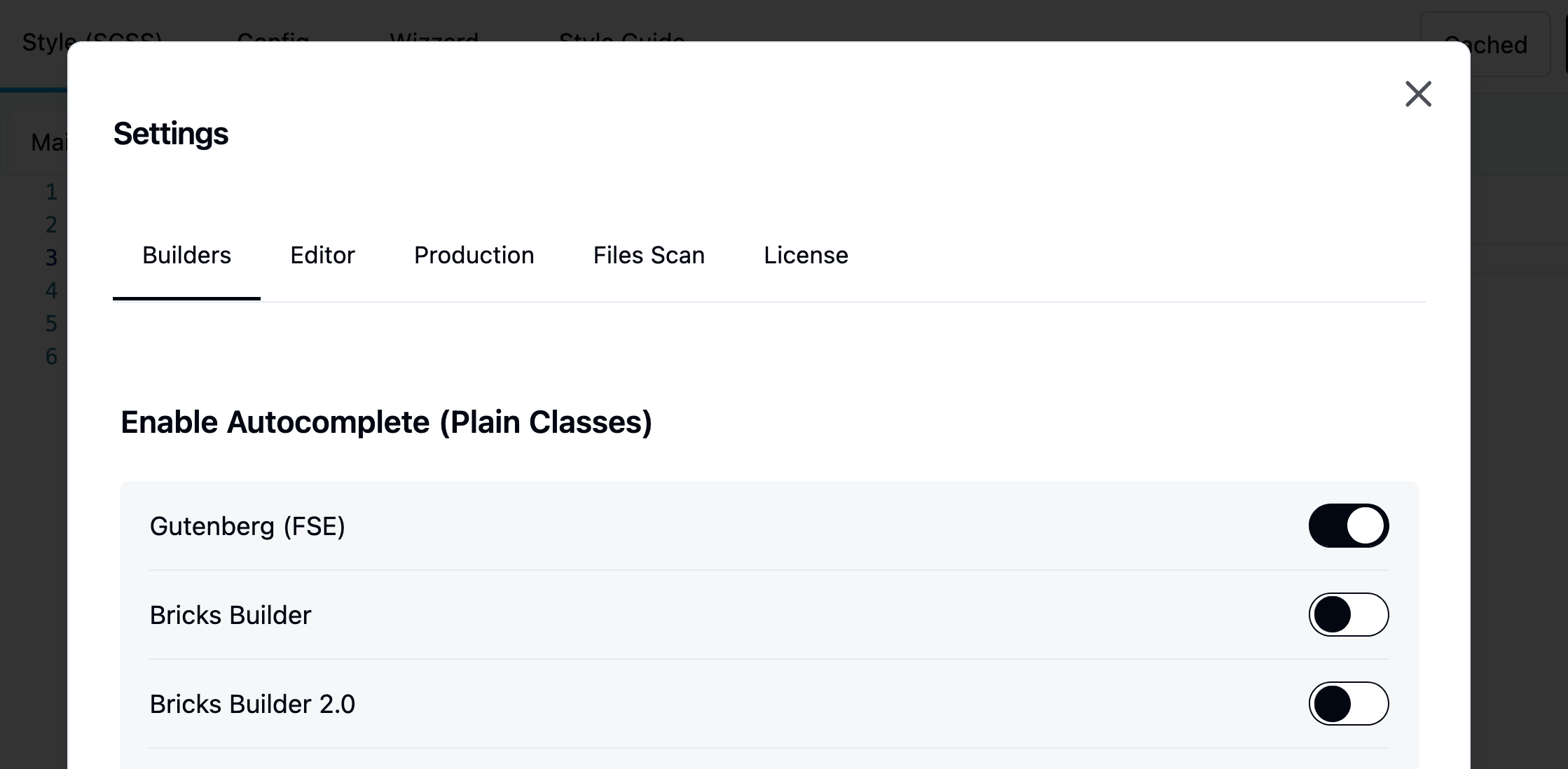
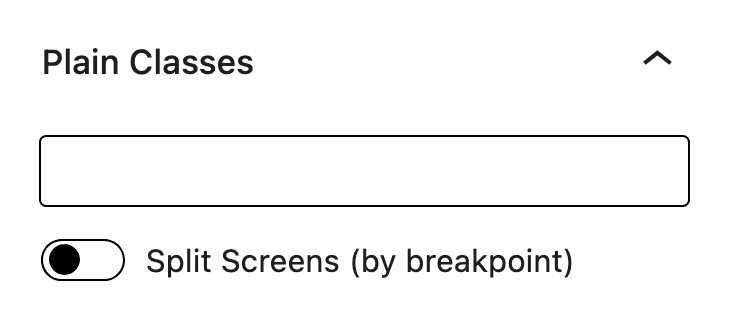
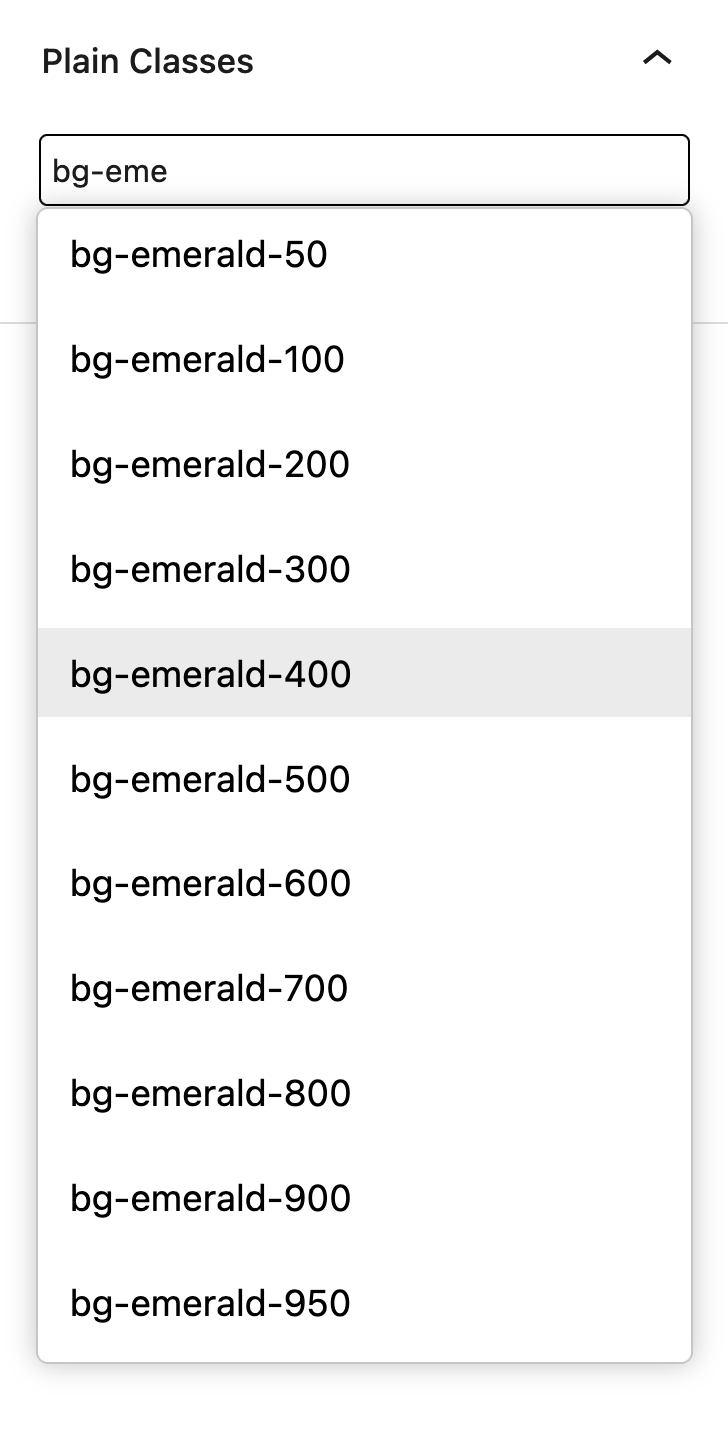
This feature is disabled. By default. You will need to enable it per builder.
Top bar > Settings > Enable Autocomplete > Builder
Learn more about autocomplete
Load theme values
Colors
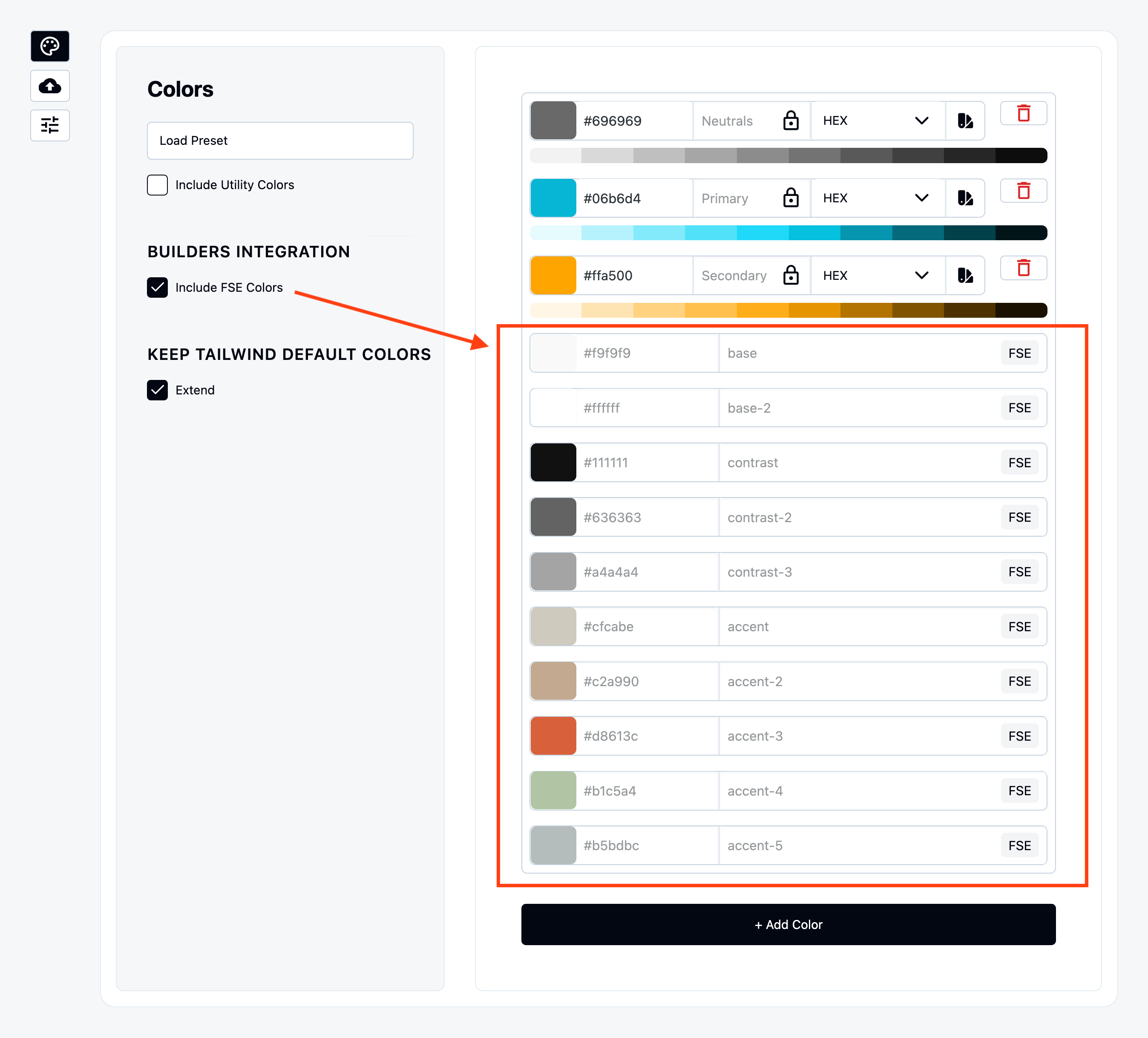
Once enabled it will be displayed as preview.
Breakpoints
Enabled it under “Include FSE Font Families” under Font Family tab.
Even gutenberg does not have breakpoints to set in Editor we have mapped their .scss that WordPress team use to style components.
You can find the list of breakpoints inside Gutenberg Trunk:
https://github.com/WordPress/gutenberg/blob/trunk/packages/base-styles/_breakpoints.scss
Font Family
Enabled it under “Include FSE Font Families” under Font Family tab.
Font Sizes
Enabled it under “Include FSE Sizes” under Font Sizes tab.
Space Sizes
Enabled it under “Include FSE Spacing” under Spaces tab.
Border Radius
Gutenberg does not have border radius values that we can include.
Inject Wizard values to theme
Winden Wizard stores smart values in database and those can be passed to Gutenberg Block themes.
You can enable it under
“Settings > Pass Wizard data to Builder and Theme > Gutenberg”
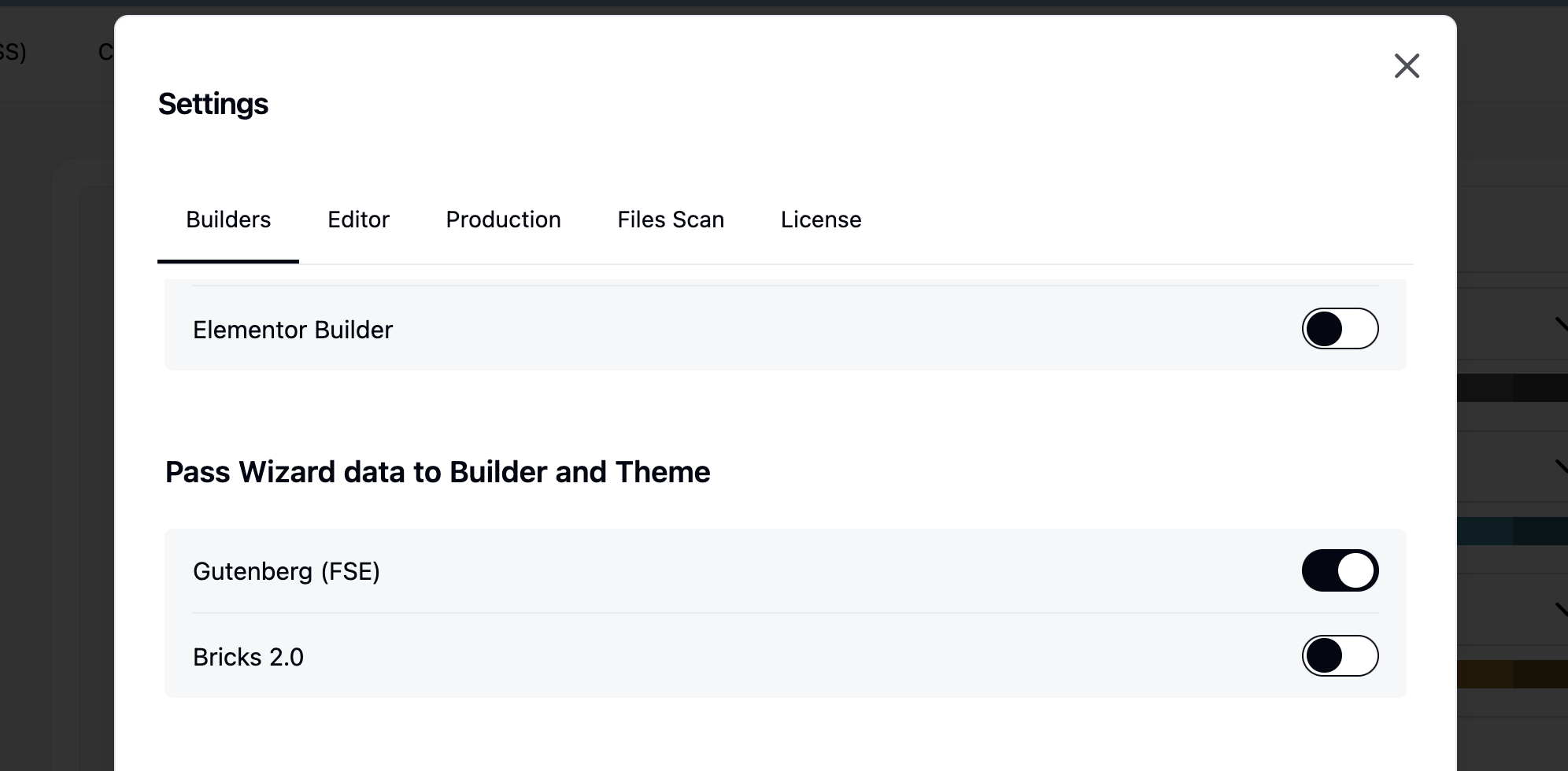
Once enabled, additional values become available in the Gutenberg block settings. These values function as global variables, meaning any updates made in the Wizard are propagated throughout the entire website.
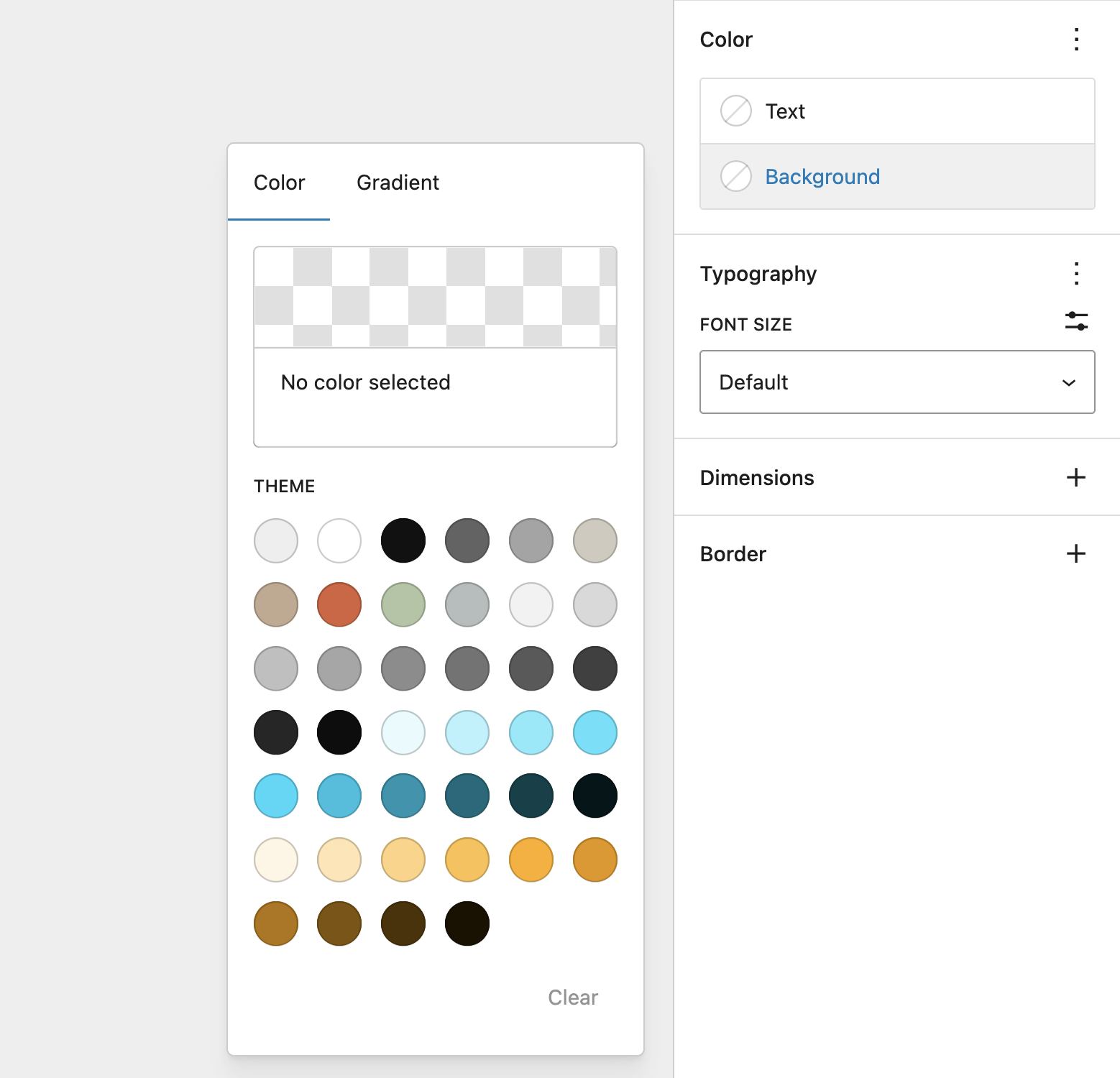
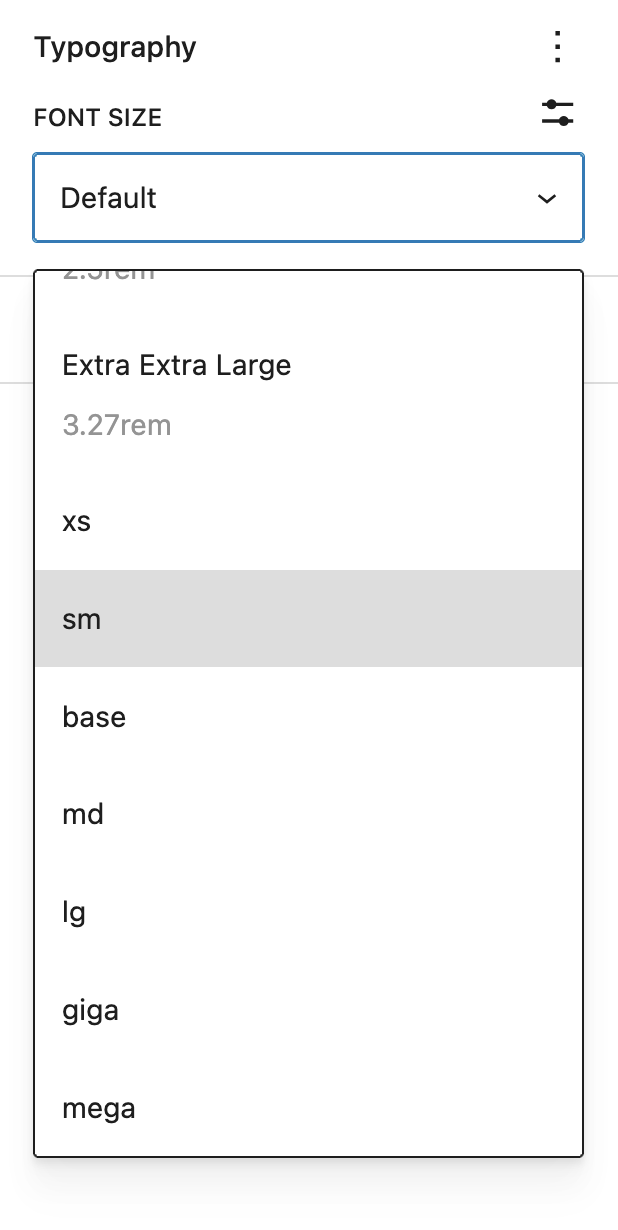
Values that are injected in the theme are:
- Colors
- Font Sizes
- Spacing (padding, Margins, Block Spacing)
Deregister styles experimental
egistering the default Gutenberg block styles may seem like a good idea in theory, but in practice it can negatively impact the editor experience. This happens because many of the styles used in the editor are tightly connected to the styles used for editing individual blocks. Removing them can therefore break or degrade parts of the Gutenberg interface.
Instead, we recommend using Tailwind’s @layer base or the Tailwind Preflight CSS to reset and standardize your defaults without removing essential block styles. This approach gives you a clean starting point while avoiding unexpected layout issues inside the editor.
@import "tailwindcss/preflight.css" layer(base);
The most effective workflow is to keep the core Gutenberg CSS and layer your theme styles on top of it. This allows you to reuse as many existing styles as possible, reduces duplicate work, and ensures a stable editing environment while still giving you full control over your design system.