
A media selector for choosing images from the WordPress media library.
The Image field opens the WordPress media library when clicked, allowing users to select an existing image or upload a new one. This provides a seamless integration with WordPress’s built-in media management. The field stores the image URL, making it easy to display the selected image in your block. Users get a visual preview of the selected image right in the sidebar.
Preview in Attributes Manager
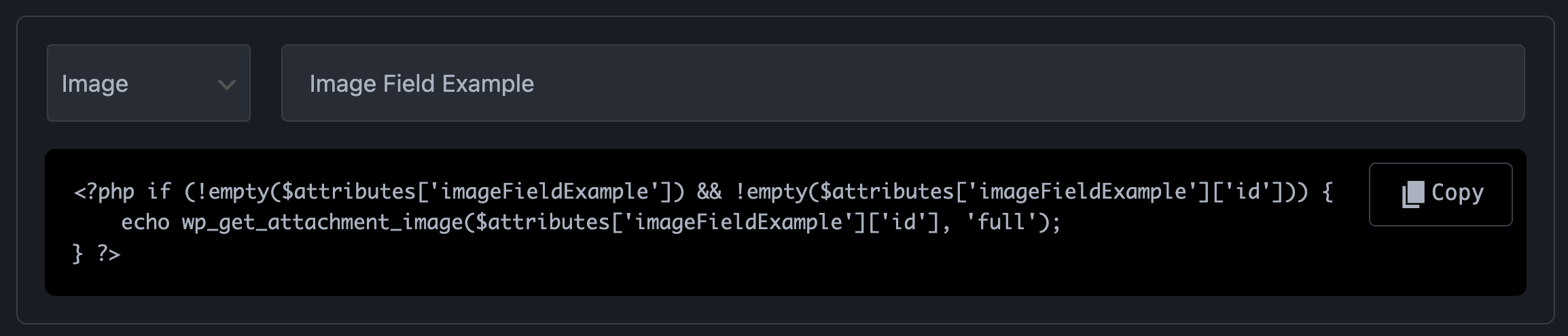
Image field. Preview in Gutenberg Editor
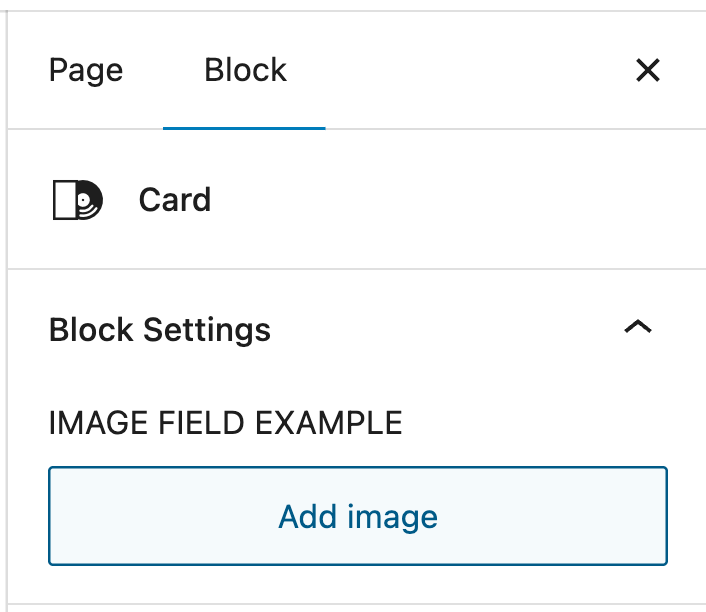
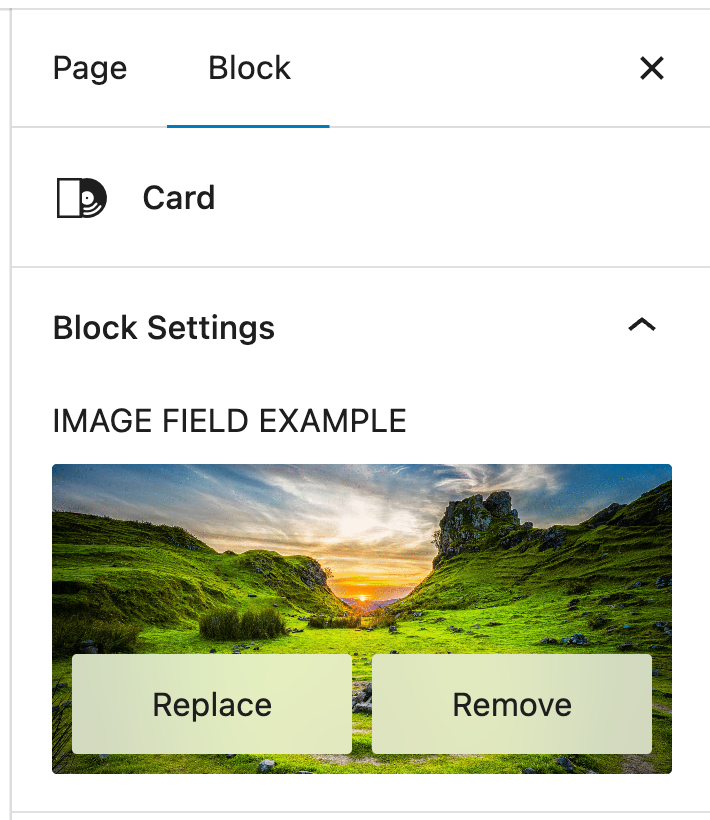
Example
Since we are fetching file from media library we can also get Title, Caption, Description.
<?php if (!empty($attributes['uploadPdf']) && !empty($attributes['uploadPdf']['url'])): ?>
    <?php
        $url = esc_url($attributes['uploadPdf']['url']);
        $filename = !empty($attributes['uploadPdf']['filename']) ? esc_html($attributes['uploadPdf']['filename']) : 'Download File';

        // Fetch metadata if we have an attachment ID
        $file_id = !empty($attributes['uploadPdf']['id']) ? intval($attributes['uploadPdf']['id']) : 0;
        $title = '';
        $description = '';
        $caption = '';

        if ($file_id > 0) {
            $title = get_the_title($file_id);
            $description = get_post_field('post_content', $file_id);
            $caption = wp_get_attachment_caption($file_id);
        }
    ?>

    <div class="file-wrapper">
        <a href="<?php echo $url; ?>" target="_blank" rel="noopener noreferrer">
            <?php echo $filename; ?>
        </a>

        <?php if (!empty($title)): ?>
            <h3 class="file-title"><?php echo esc_html($title); ?></h3>
        <?php endif; ?>

        <?php if (!empty($caption)): ?>
            <p class="file-caption"><?php echo esc_html($caption); ?></p>
        <?php endif; ?>

        <?php if (!empty($description)): ?>
            <div class="file-description"><?php echo wp_kses_post($description); ?></div>
        <?php endif; ?>
    </div>
<?php endif; ?>
Technical Information:
| Property | Value |
|---|---|
| Gutenberg UI | Media upload button with preview |
| Data Type | `string` (URL) |
| Stores | Image URL |
| Default Value | `""` (empty string) |
| Best For | Single image selection |
| Common Uses | Featured images, backgrounds, icons, avatars |