
An on/off switch for boolean (true/false) values.
The Toggle field provides a visual switch that users can click to turn a feature on or off. It’s the most intuitive way to handle boolean values because the switch clearly shows the current state (on or off). When enabled, the value is true; when disabled, it’s false. This makes it perfect for enabling or disabling features, showing or hiding content, or any yes/no decision.
Preview in Attributes Manager
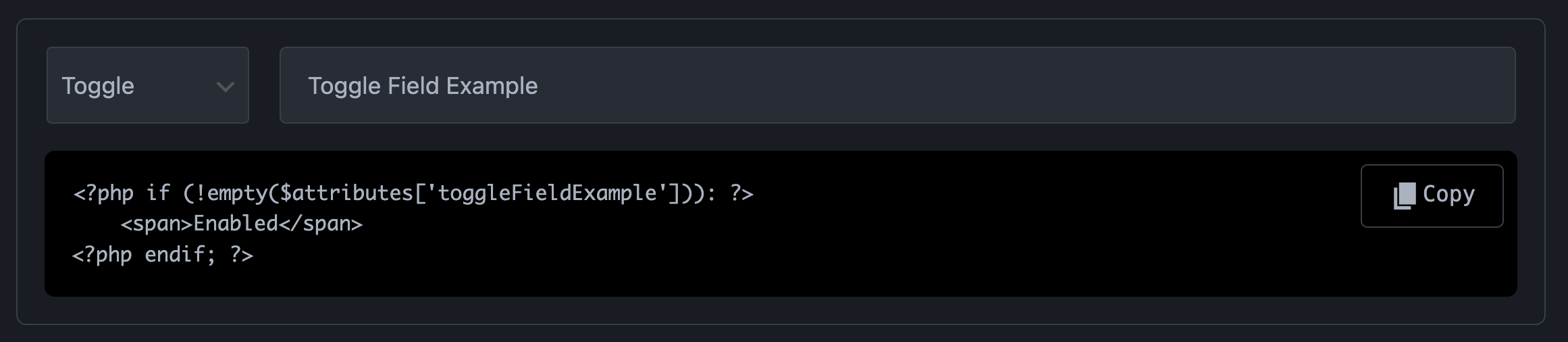
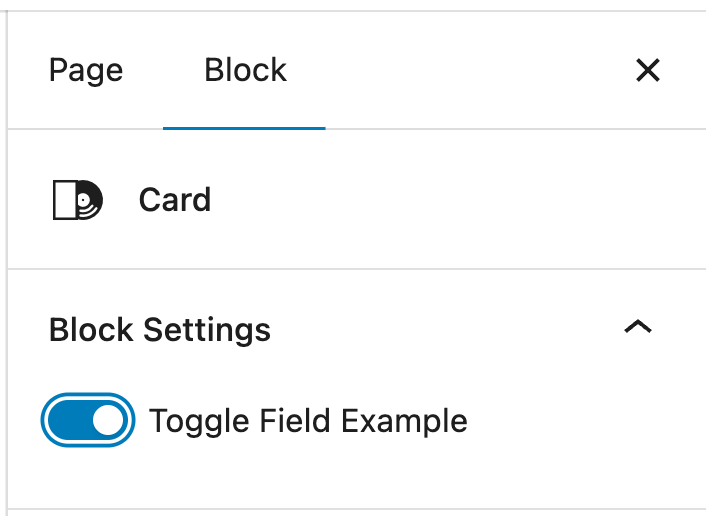
Toggle field. Preview in Gutenberg Editor
Technical Information:
| Property | Value |
|---|---|
| Gutenberg UI | On/off switch |
| Data Type | `boolean` |
| Values | `true` or `false` |
| Default Value | `false` |
| Best For | Enable/disable features |
| Common Uses | Show/hide sections, enable features, display options |