
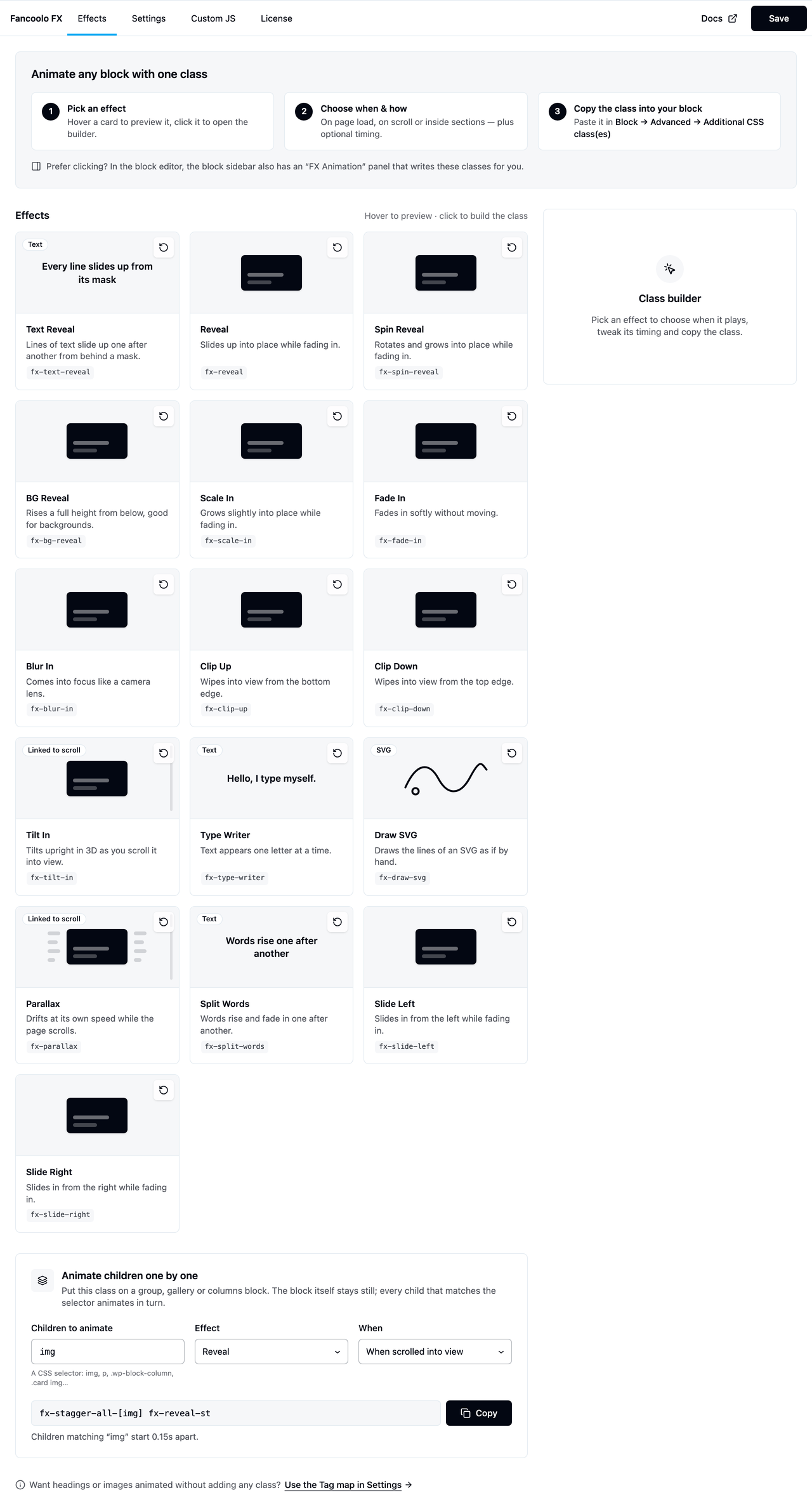
The Effects tab (Appearance → Fancoolo FX → Effects) is where you build the exact class you need without memorizing syntax.
Using it
- Hover any effect card to preview the animation, or click it to open the class builder.
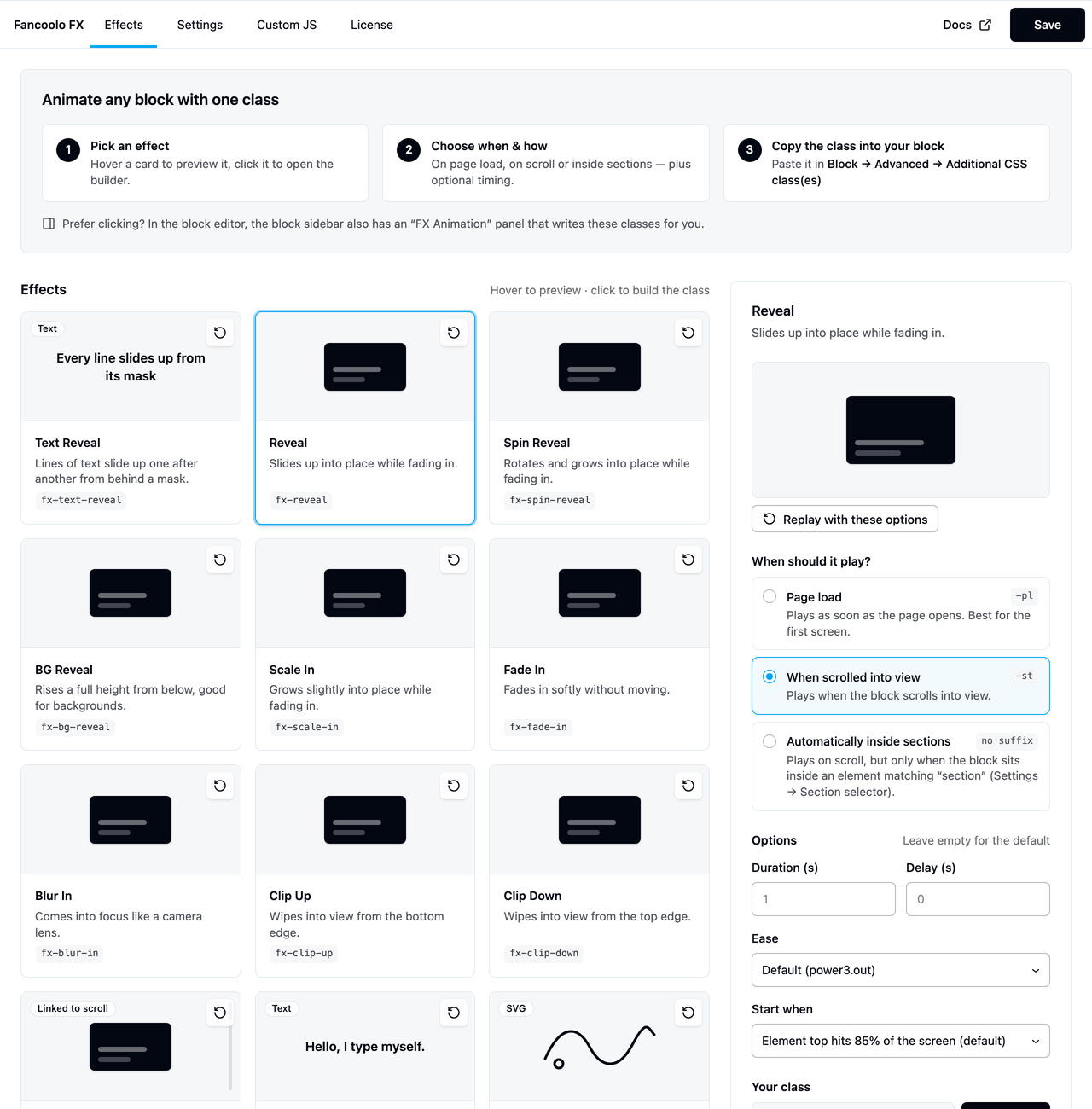
- Choose when it plays — page load, on scroll, or automatically inside sections — and adjust timing (duration, delay, stagger, easing, scroll start) with the preview updating live.
- Copy the generated class and paste it into the block's Advanced → Additional CSS class(es) field in Gutenberg.
On wide screens the builder sits in a sticky panel to the right of the effect gallery; on narrow screens it opens as a dialog instead.
Stagger children builder
Below the effect gallery is a second builder for Stagger Children — pick an effect, type a CSS selector for the child elements (e.g. img), and it generates the paired fx-stagger-all-[…] and effect classes for the container.
No classes at all?
If you'd rather not add any class to individual blocks, use the Tag map instead — a link at the bottom of this tab jumps straight to it on the Settings tab. See Tag Map.
Prefer clicking in the block editor?
Turn on FX panel in the block sidebar on the Settings tab, and every block gets an "FX Animation" panel that writes these same classes for you — see Block Editor Panel.